Quire
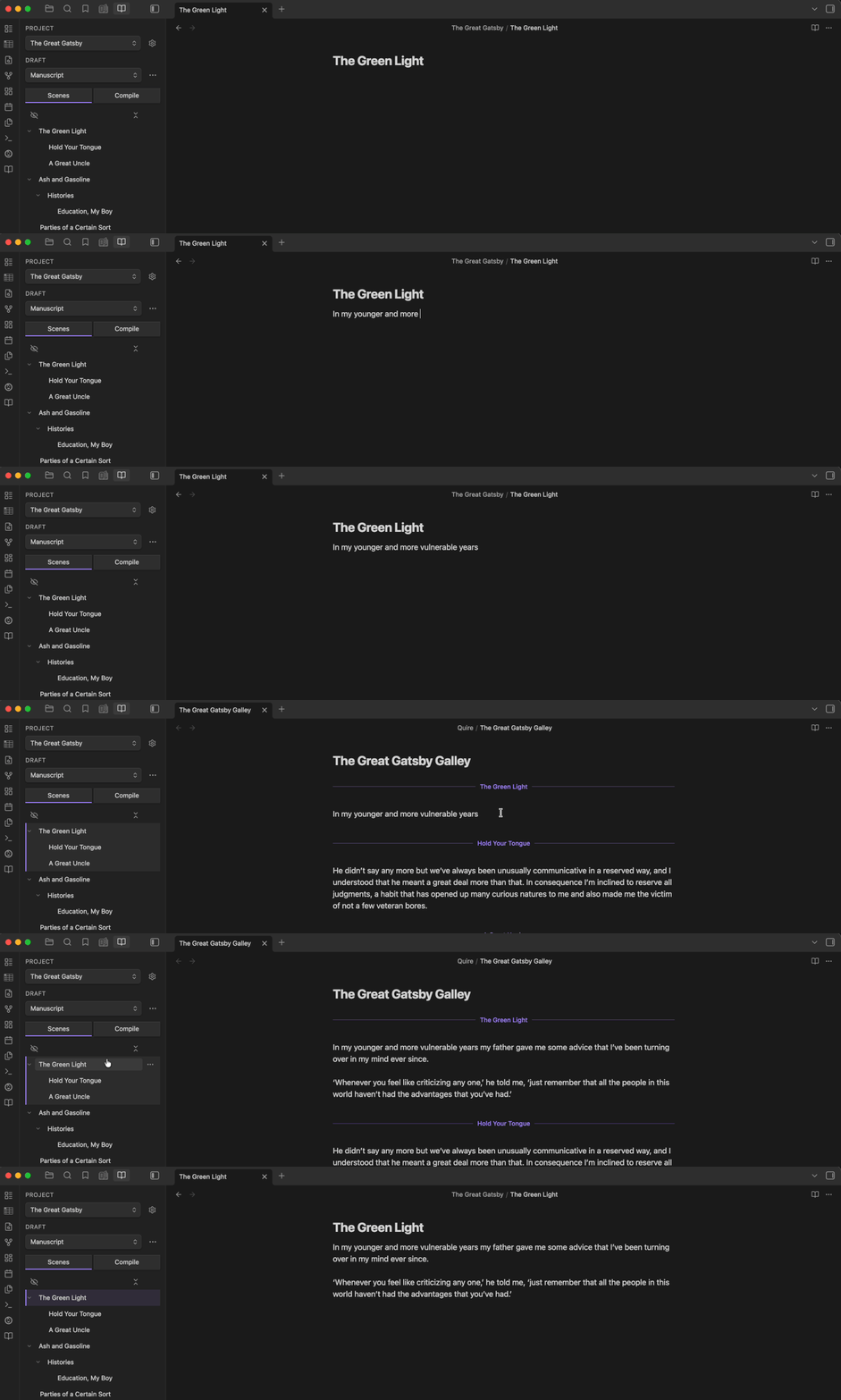
I started writing in Scrivener, like most people with a long project to wrangle. Then I moved into Obsidian. It became my new home and there was no going back. Longform made that possible. It has much of what was useful in Scrivener but with all the heart and soul that makes Obsidian a wonderful place to be. I wrote quite a lot in it.
In 2023 I asked Longform for one thing: let a scene nest under another so moving a parent carries its children. Others agreed, but the request sat. Two years later a different issue appeared on the same repo. The maintainer was stepping away; he did what I couldn’t: He had gone back to Scrivener and no longer used Longform.
So I built the successor. Quire is long-form writing in Obsidian, written from scratch in Svelte 5. I went after what keeps writers in Scrivener: editing many scenes as one document, an outline where moving a scene moves it in the book, compiling to a clean manuscript, branching a draft to rework without risking the original. All of that, and a little more, is available right in Obsidian. It’s a paid, local-first plugin with a converting subscription. It’s the tool I use now. And I write in it every day.
The galley
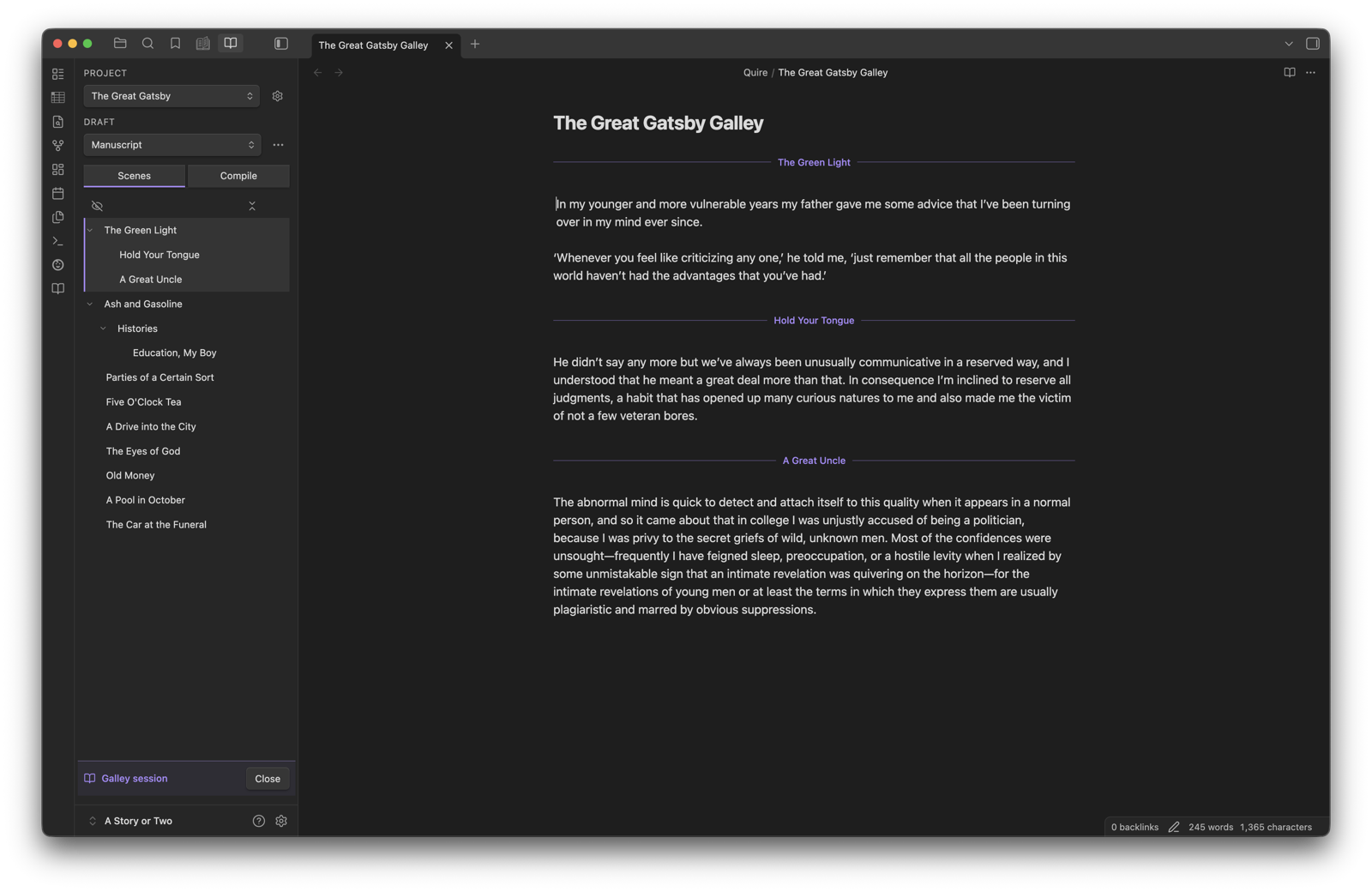
Each scene is its own file. The galley stitches them into one stream of markdown you read and edit top to bottom. Scene breaks shown but are unobtrusive. You edit one document; the files stay separate. It has some quality-of-life improvements, like managing “greedy markdown” styles and hiding — but preserving — YAML frontmatter for each scene. This was the most difficult but rewarding problem to solve.
The outline
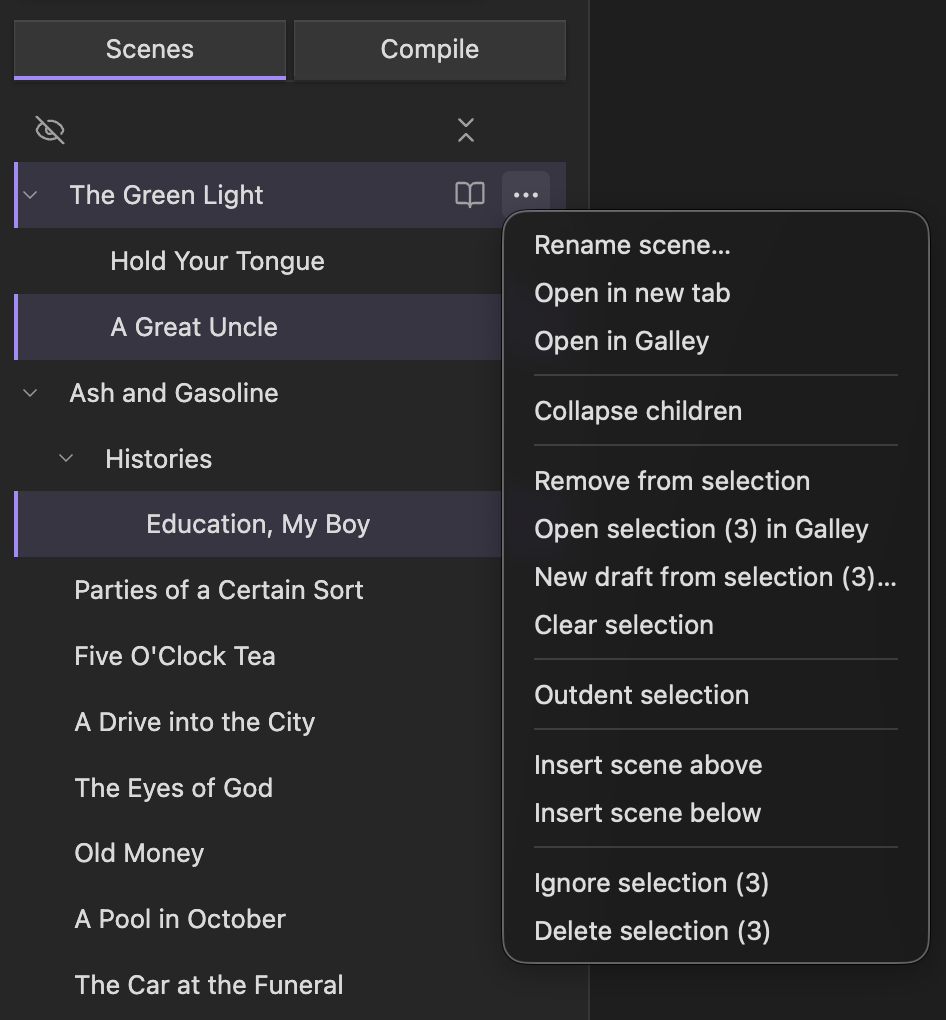
The Scenes pane is the outline. Scenes nest under one another, and a scene’s place in the outline is its place in the manuscript. Drag it and its place in the book moves. Select several at once and act on them from a context menu: open the selection in the galley, ignore it, delete it, or split it off into a new draft. Scenes also have proper parent-child relationships, so moving the parent moves all its children with it. This was the feature I wanted in Longform and the one that turned into Quire.
Compile
Compile turns the scenes into one clean manuscript by running an ordered list of steps. The default workflow strips each scene’s YAML frontmatter, removes both wikilinks and external links, and prepends a title to each scene before joining them. You can edit the workflow or build your own.
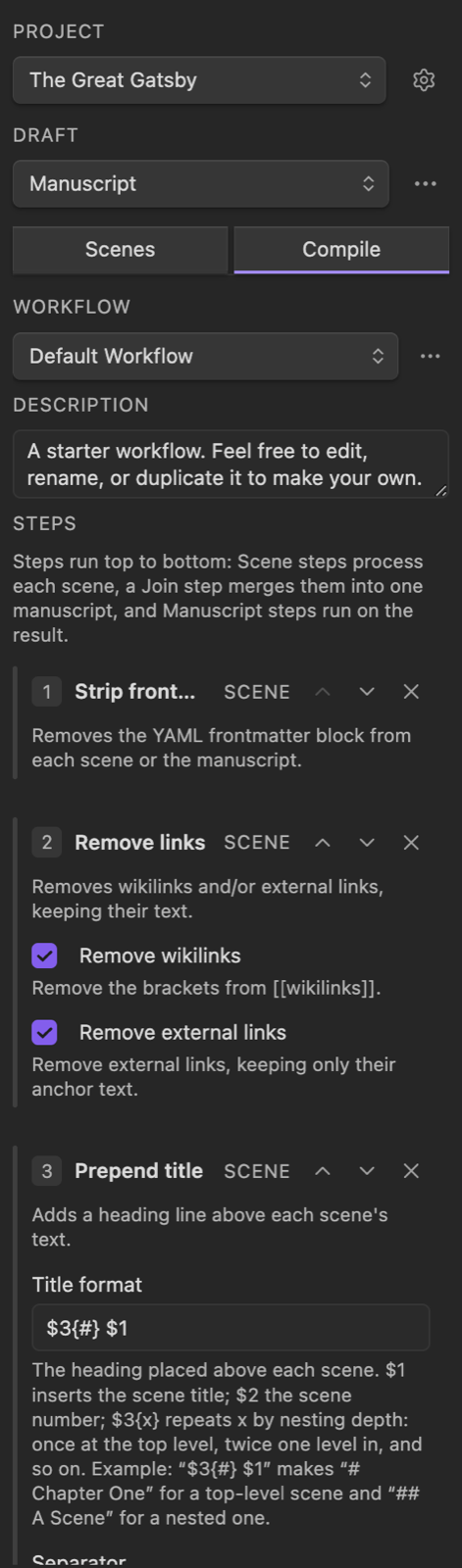
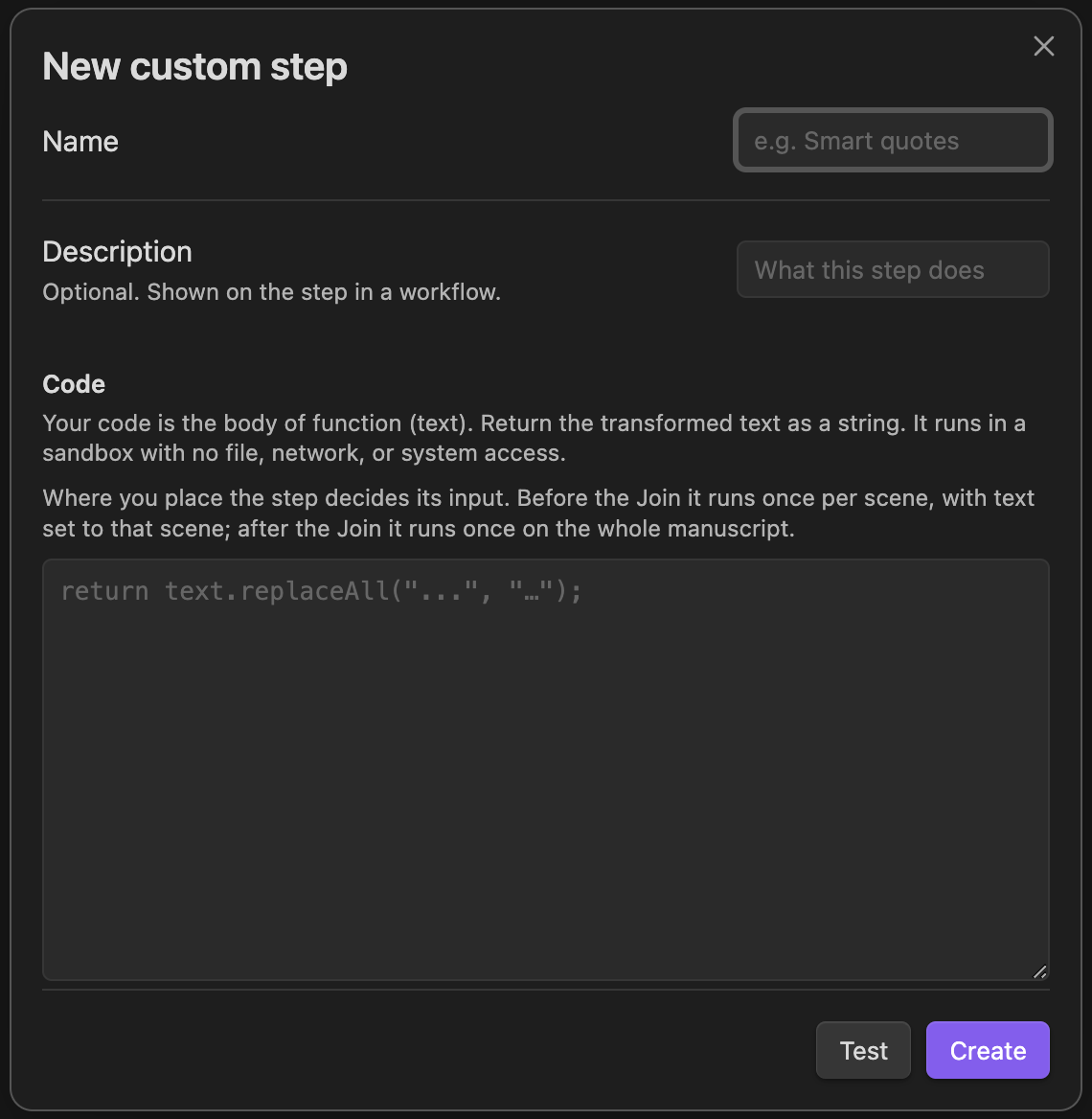
A compile step can be your own code. You write a function that takes the scene text and returns it. It runs in a sandbox with no file, network, or system access. Longform has a similar feature, but I gave it some guards so it didn’t have total access via Electron.
Branching a draft
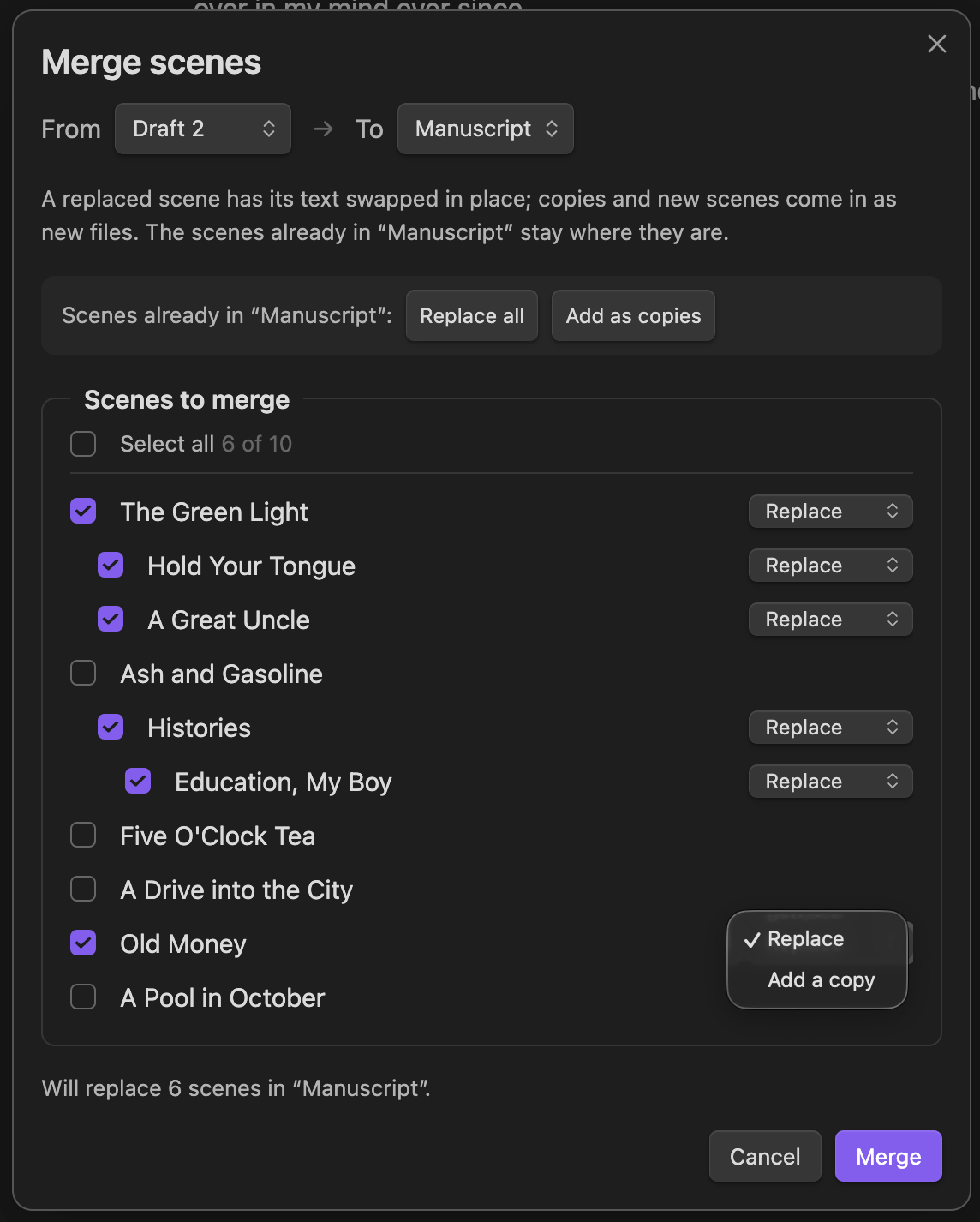
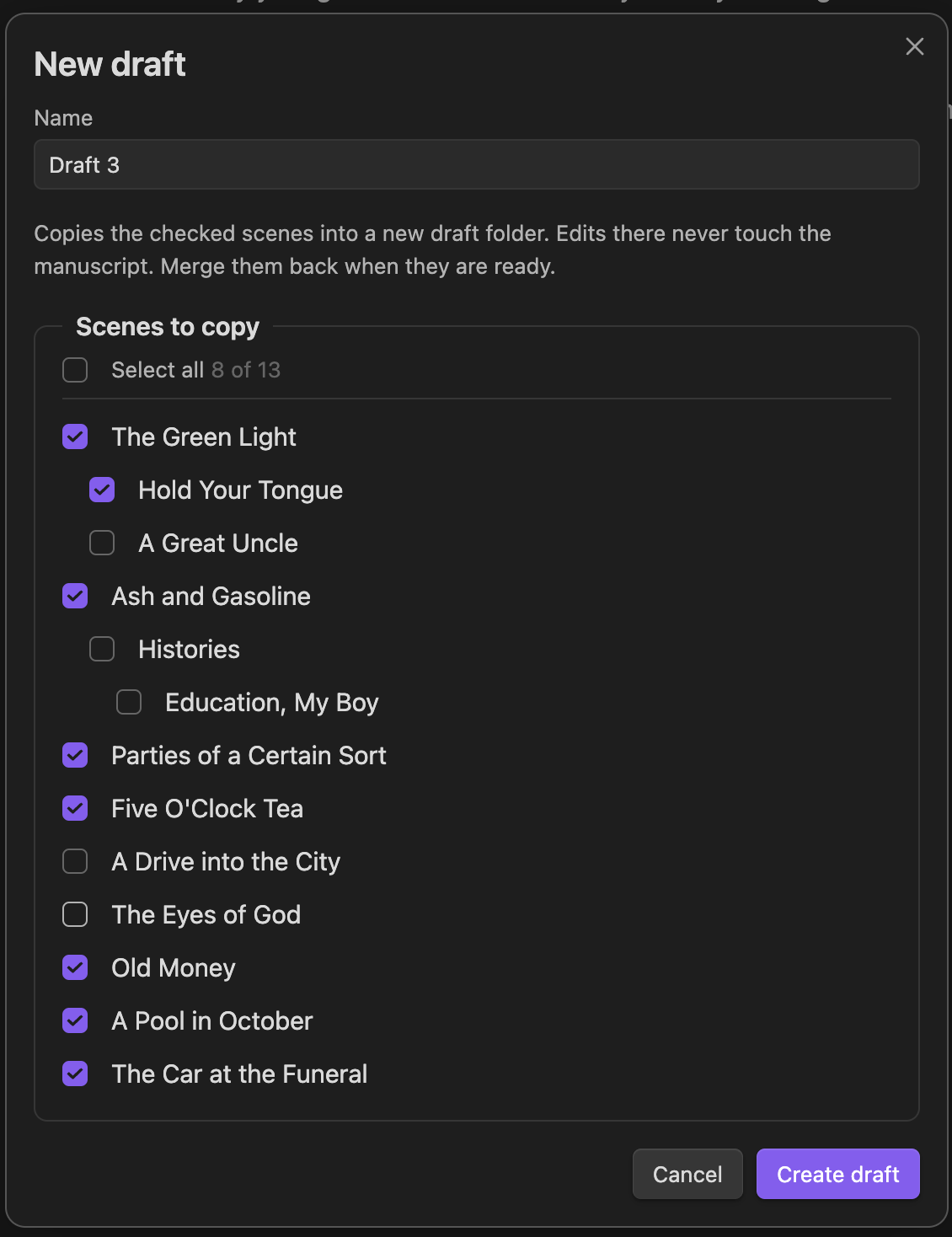
To rework safely, copy the scenes you want into a new draft. Check the scenes you want (checking a parent brings its children), name the draft, and edits there never touch the manuscript.
When the rework is ready, merge it back: pick the draft you are merging from and the one you are merging into (usually the manuscript), then choose scenes. Each scene either replaces its original in place (keyed by title) or comes in as a new scene. Scenes you don’t merge stay as they were in the draft.